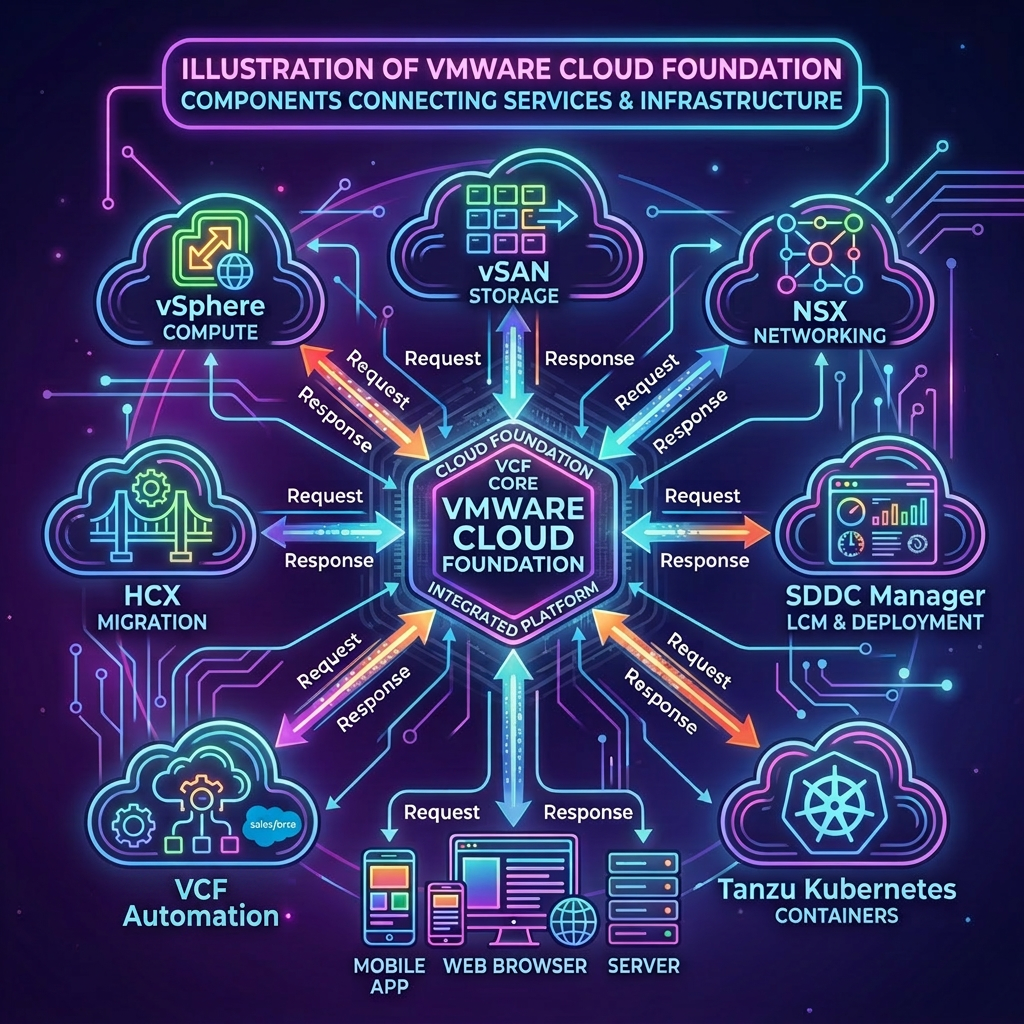
Creating a cloud proxy group, allows you to group multiple cloud proxies. This ensures that if a cloud proxy goes offline, VCF Operations will automatically reassign the adapters with a cloud proxy that remains online ensuring data can still be collected in the event of failures, thus providing a level of high availability. Once a cloud proxy group has been created and the cloud proxies have been assigned you must then also reconfigure each adapter to point to the newly created cloud proxy group rather than directly to a cloud proxy.
In this post we will look at how to create a cloud proxy group, assigning cloud proxies and the reconfiguration of adapters using the public APIs, this is achieved via VCF Operations.
To deploy an additional cloud proxies through automation see my previous post VMware Cloud Foundation APIs: Deploy an Additional Cloud Proxy.
VCF Operations APIs Used
VMware Cloud Foundation Operations API
- POST /suite-api/api/auth/token/acquire
- GET /api/collectorgroups
- POST /api/collectorgroups
- GET /suite-api/api/collectors
- GET /suite-api/api/adapters
- GET /suite-api/api/adapters/{adapterId}
- PUT /suite-api/api/adapters
Procedure
-
Connect to a system that has access to your infrastructure and is capable of running CURL.
-
Replace the values in the sample code with values for your VCF Operations instance and run the commands in the console.
export vcfOperationsFqdn='flt-ops01a.rainpole.io'
export vcfOperationsUser='admin'
export vcfOperationsPass='VMw@re1!VMw@re1!'
- Authenticate to VCF Operations and obtain a token by running the following command:
vcfOperationsToken=$(curl -k -X POST https://${vcfOperationsFqdn}/suite-api/api/auth/token/acquire \
    --header "Content-Type:application/json" \
    --header "Accept: application/json" \
    -d "{\"username\":\"$vcfOperationsUser\", \"password\":\"$vcfOperationsPass\"}" \
    | jq -r '.token')
- Verify you were able to successfully obtain an authentication token by running the following command:
echo $vcfOperationsToken
Example Output:
6513db65-1c46-4482-9a4c-d257cd422906::07f2b1ee-48ae-46ca-9874-7baf79984300
- Replace the values in the sample code with your values and run the commands in the console.
export collectorGroupName='sfo-collector-group'
export collectorGroupDescription='Collector Group for San Francisco'
export firstCloudProxy='sfo-cp01.sfo.rainpole.io'
export secondCloudProxy='sfo-cp02.sfo.rainpole.io'
- First lets check to see if a collector group with this name already exists by running the following command:
curl -k -X GET "https://${vcfOperationsFqdn}/suite-api/api/collectorgroups" \
  --header "Authorization: OpsToken ${vcfOperationsToken}" \
  --header 'Content-Type:application/json' \
  --header "Accept: application/json" \
  | jq --arg targetName "${collectorGroupName}" 'any(.collectorGroups[]; .name == $targetName)'
- Now obtain the IDs of the cloudy proxies that you want to associate with the collector group by running the following command:
firstCloudProxyId=$(curl -k -X GET "https://${vcfOperationsFqdn}/suite-api/api/collectors" \
  --header "Authorization: OpsToken ${vcfOperationsToken}" \
  --header "Content-Type:application/json" \
  --header "Accept: application/json" \
  | jq -r --arg collectorName "${firstCloudProxy}" '.collector[] | select(.name == $collectorName) | .id')

secondCloudProxyId=$(curl -k -X GET "https://${vcfOperationsFqdn}/suite-api/api/collectors" \
  --header "Authorization: OpsToken ${vcfOperationsToken}" \
  --header "Content-Type:application/json" \
  --header "Accept: application/json" \
  | jq -r --arg collectorName "${secondCloudProxy}" '.collector[] | select(.name == $collectorName) | .id')
- Verify you have the both collector IDs by running the following command:
echo $firstCloudProxyId
echo $secondCloudProxyId
- Create the JSON payload by running the following command:
cat << EOF > collector-group.json
{
  "name": "${collectorGroupName}",
  "description": "${collectorGroupDescription}",
  "collectorId": [
    ${firstCloudProxyId},
    ${secondCloudProxyId}
  ],
  "systemDefined": false,
  "haEnabled": false,
  "lbEnabled": false
}
EOF
- Verify the JSON payload has been populated correctly by running the following command:
cat collector-group.json
Example Output:
{
  "name": "sfo-collector-group",
  "description": "Collector Group for San Francisco",
  "collectorId": [
    2,
    3
  ],
  "systemDefined": false,
  "haEnabled": false,
  "lbEnabled": false
}
- Create the Collector Group and assign the Cloud Proxies by running the following command:
collectorGroupId=$(curl -k -X POST "https://${vcfOperationsFqdn}/suite-api/api/collectorgroups" \
  --header "Authorization: OpsToken ${vcfOperationsToken}" \
  --header "Content-Type:application/json" \
  --header "Accept: application/json" \
  -d @collector-group.json \
  | jq -r '.id')
- Verify the collector group has been created by running the following command:
curl -k -X GET "https://${vcfOperationsFqdn}/suite-api/api/collectorgroups" \
  --header "Authorization: OpsToken ${vcfOperationsToken}" \
  --header "Content-Type:application/json" \
  --header "Accept: application/json" \
  | jq --arg targetName "${collectorGroupName}" 'any(.collectorGroups[]; .name == $targetName)'
- Verify you have the collector group IDs by running the following command:
echo $collectorGroupId
- Retrieve the adapter IDs for all vCenter, vSAN, NSX and VMware Cloud Foundation adapters by running the following command:
adapterIds=$(curl -ks -X GET "https://${vcfOperationsFqdn}/suite-api/api/adapters" \
  --header "Authorization: OpsToken ${vcfOperationsToken}" \
  --header "Content-Type:application/json" \
  --header "Accept: application/json" \
  | jq -r '.adapterInstancesInfoDto[]? | select(.resourceKey.adapterKindKey == "VMWARE" or .resourceKey.adapterKindKey == "VcfAdapter" or .resourceKey.adapterKindKey == "NSXTAdapter" or .resourceKey.adapterKindKey == "VirtualAndPhysicalSANAdapter") | .id' | tr -d '\r')
- Reconfigure each adapter to use the collector group rather than a specific Cloud Proxy by running the following command:
printf '%s\n' "${adapterIds}" | while read -r adapterId; do
  # Skip empty lines if any exist
  [ -z "$adapterId" ] && continue

  echo "👉 Fetching details for Adapter: $adapterId"

  # Fetch the specific adapter config blueprint
  currentConfig=$(curl -ks -X GET "https://${vcfOperationsFqdn}/suite-api/api/adapters/$adapterId" \
    --header "Authorization: OpsToken ${vcfOperationsToken}" \
    --header "Accept: application/json")

  # Strip out conflicting singular collectorId and inject the new group ID via jq
  updatePayload=$(echo "$currentConfig" | jq --arg GID "$collectorGroupId" '
    .collectorGroupId = $GID |
    del(.collectorId, .lastCollected, .lastHeartbeat, .links, .numberOfMetricsCollected, .numberOfResourcesCollected, .messageFromAdapterInstance)
  ')

  # Push the updated specification back to VCF Operations
  responseCode=$(curl -ks -X PUT "https://${vcfOperationsFqdn}/suite-api/api/adapters" \
    --header "Authorization: OpsToken ${vcfOperationsToken}" \
    --header "Content-Type:application/json" \
    --header "Accept: application/json" \
    -d "$updatePayload")
done
Leave a Reply