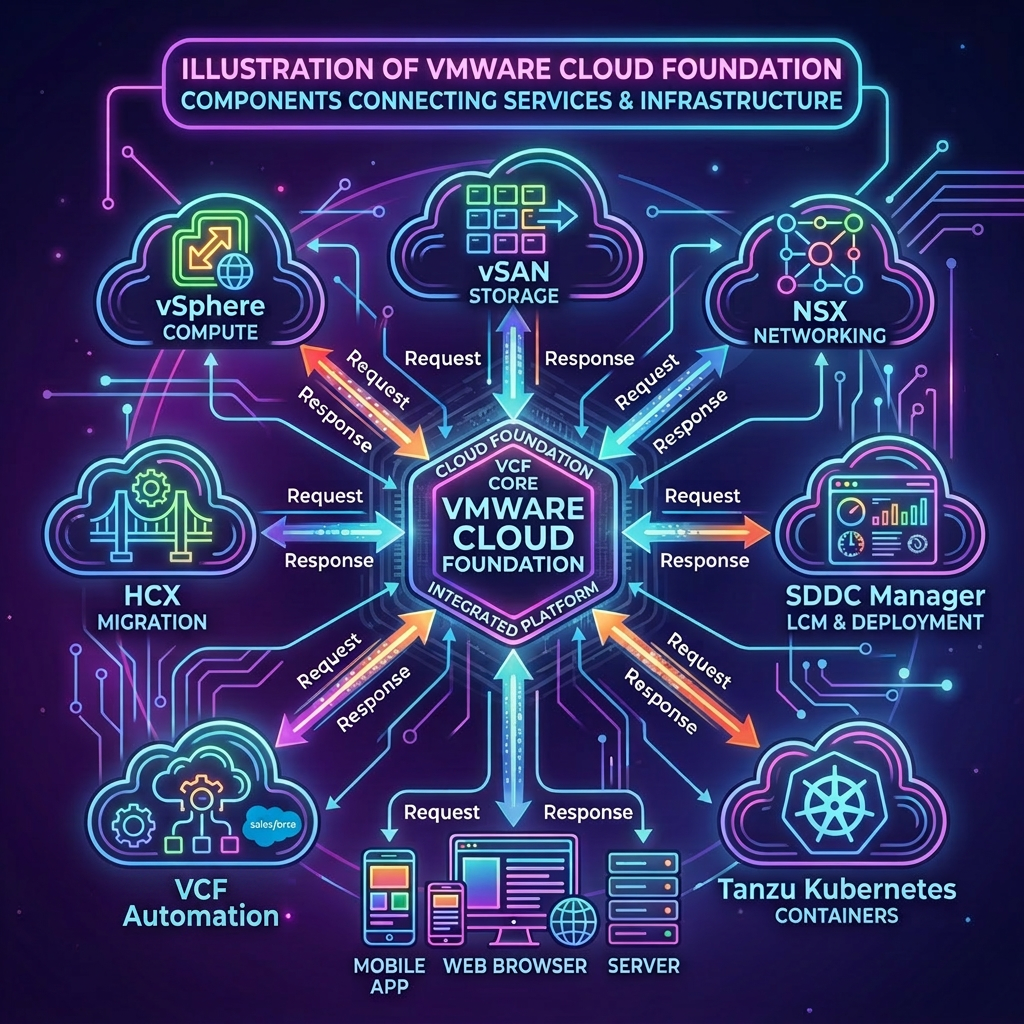
A key fleet management capability delivered by VMware Cloud Foundation is the ability to centrally manage certificates across all the components of your platform, the process involves first configuring VCF Operations to interact with either a Microsoft or an OpenSSL Certificate Authority. The process is very similar to the way in which this was done with SDDC Manager prior to the release of VMware Cloud Foundation 9.x, the main difference being that VCF Operations is now the endpoint you interact with and as a result there are some minor changes to the JSON payload.
In this blog we will walk through the process of configuring both a Microsoft Certificate Authority as well as the OpenSSL Certificate Authority which is still provided through the SDDC Manager appliance which we can utilize for the purpose of this post. It is however recommended for a production platform you install your own OpenSSL Certificate Authority if you plan to use this method.
VCF Operations APIs Used
VMware Cloud Foundation Operations API
- POST /suite-api/api/auth/token/acquire
- GET /suite-api/api/fleet-management/certificate-management/certificate-authorities
- PUT /suite-api/api/fleet-management/certificate-management/certificate-authorities
Configure a Microsoft Certificate Authority
-
Connect to a system that has access to your infrastructure and is capable of running CURL.
-
Replace the values in the sample code with values for your VCF Operations instance and run the commands in the console.
export vcfOperationsFqdn='flt-ops01a.rainpole.io'
export vcfOperationsUser='admin'
export vcfOperationsPass='VMw@re1!VMw@re1!'
- Authenticate to VCF Operations and obtain a token by running the following command:
vcfOperationsToken=$(curl -k -X POST https://${vcfOperationsFqdn}/suite-api/api/auth/token/acquire \
    --header "Content-Type:application/json" \
    --header "Accept: application/json" \
    -d "{\"username\":\"$vcfOperationsUser\", \"password\":\"$vcfOperationsPass\"}" \
    | jq -r '.token')
- Verify you were able to successfully obtain an authentication token by running the following command:
echo $vcfOperationsToken
Example Output:
6513db65-1c46-4482-9a4c-d257cd422906::bf144935-712c-4e2e-8881-8005575b47cd
- First lets check to see if a certificate authority has been configured by running the following command:
curl -k -X GET "https://${vcfOperationsFqdn}/suite-api/api/fleet-management/certificate-management/certificate-authorities" \
  --header "Authorization: OpsToken ${vcfOperationsToken}" \
  --header "Content-Type:application/json" \
  --header "Accept: application/json" \
  | jq
Example Output:
{
  "microsoftCertificateAuthoritySpec": {},
  "openSSLCertificateAuthoritySpec": {}
}
- Replace the values in the sample code with your values and run the commands in the console.
export certificateAuthorityUrl='https://arkham-dc01.arkham.io/certsrv'
export certificateAuthorityUser='svc-vcf-ca'
export certificateAuthorityPass='VMw@re1!'
export certificateAuthorityTemplate='VMware'
- Create the JSON payload by running the following command:
cat << EOF > certificate-authority.json
{
  "certificateAuthorityType": "MICROSOFT",
  "certificateAuthoritiesSpec": {
    "microsoftCertificateAuthoritySpec": {
      "serverUrl": "${certificateAuthorityUrl}",
      "username": "${certificateAuthorityUser}",
      "secret": "${certificateAuthorityPass}",
      "templateName": "${certificateAuthorityTemplate}"
    }
  }
}
EOF
- Verify the JSON payload has been populated correctly by running the following command:
cat certificate-authority.json
Example Output:
{
  "certificateAuthorityType": "MICROSOFT",
  "certificateAuthoritiesSpec": {
    "microsoftCertificateAuthoritySpec": {
      "serverUrl": "https://arkham-dc01.arkham.io/certsrv",
      "username": "svc-vcf-ca",
      "secret": "VMw@re1!",
      "templateName": "VMware"
    }
  }
}
- Configure a Microsoft Certificate Authority in VCF Operations by running the following command:
curl -ks -X PUT "https://${vcfOperationsFqdn}/suite-api/api/fleet-management/certificate-management/certificate-authorities" \
  --header "Authorization: OpsToken ${vcfOperationsToken}" \
  --header "Content-Type:application/json" \
  --header "Accept: application/json" \
  -d @certificate-authority.json
- Verify the certificate authority has been configured by running the following command:
curl -k -X GET "https://${vcfOperationsFqdn}/suite-api/api/fleet-management/certificate-management/certificate-authorities" \
  --header "Authorization: OpsToken ${vcfOperationsToken}" \
  --header "Content-Type:application/json" \
  --header "Accept: application/json" \
  | jq
Example Output:
{
  "microsoftCertificateAuthoritySpec": {
    "serverUrl": "https://arkham-dc01.arkham.io/certsrv",
    "username": "svc-vcf-ca",
    "secret": "XXXXX",
    "templateName": "VMware"
  },
  "openSSLCertificateAuthoritySpec": {}
}
Configure an OpenSSL Certificate Authority
-
Connect to a system that has access to your infrastructure and is capable of running CURL.
-
Replace the values in the sample code with values for your VCF Operations instance and run the commands in the console.
export vcfOperationsFqdn='flt-ops01a.rainpole.io'
export vcfOperationsUser='admin'
export vcfOperationsPass='VMw@re1!VMw@re1!'
- Authenticate to VCF Operations and obtain a token by running the following command:
vcfOperationsToken=$(curl -k -X POST https://${vcfOperationsFqdn}/suite-api/api/auth/token/acquire \
    --header "Content-Type:application/json" \
    --header "Accept: application/json" \
    -d "{\"username\":\"$vcfOperationsUser\", \"password\":\"$vcfOperationsPass\"}" \
    | jq -r '.token')
- Verify you were able to successfully obtain an authentication token by running the following command:
echo $vcfOperationsToken
Example Output:
6513db65-1c46-4482-9a4c-d257cd422906::bf144935-712c-4e2e-8881-8005575b47cd
- First lets check to see if a certificate authority has been configured by running the following command:
curl -k -X GET "https://${vcfOperationsFqdn}/suite-api/api/fleet-management/certificate-management/certificate-authorities" \
  --header "Authorization: OpsToken ${vcfOperationsToken}" \
  --header "Content-Type:application/json" \
  --header "Accept: application/json" \
  | jq
Example Output:
{
  "microsoftCertificateAuthoritySpec": {},
  "openSSLCertificateAuthoritySpec": {}
}
- Replace the values in the sample code with your values and run the commands in the console.
export openSslCommonName='sfo-vcf01.sfo.rainpole.io'
export openSslOrganization='Rainpole'
export openSslOrganizationUnit='IT'
export openSslLocality='San Francisco'
export openSslState='California'
export openSslCountry='US'
- Create the JSON payload by running the following command:
cat << EOF > certificate-authority.json
{
  "certificateAuthorityType": "OPENSSL",
  "certificateAuthoritiesSpec": {
    "openSSLCertificateAuthoritySpec": {
      "commonName": "${openSslCommonName}",
      "organization": "${openSslOrganization}",
      "organizationUnit": "${openSslOrganizationUnit}",
      "locality": "${openSslLocality}",
      "state": "${openSslState}",
      "country": "${openSslCountry}"
    }
  }
}
EOF
- Verify the JSON payload has been populated correctly by running the following command:
cat certificate-authority.json
Example Output:
{
  "certificateAuthorityType": "OPENSSL",
  "certificateAuthoritiesSpec": {
    "openSSLCertificateAuthoritySpec": {
      "commonName": "sfo-vcf01.sfo.rainpole.io",
      "organization": "Rainpole",
      "organizationUnit": "IT",
      "locality": "San Francisco",
      "state": "California",
      "country": "US"
    }
  }
}
- Configure an OpenSSL Certificate Authority in VCF Operations by running the following command:
curl -ks -X PUT "https://${vcfOperationsFqdn}/suite-api/api/fleet-management/certificate-management/certificate-authorities" \
  --header "Authorization: OpsToken ${vcfOperationsToken}" \
  --header "Content-Type:application/json" \
  --header "Accept: application/json" \
  -d @certificate-authority.json
- Verify the certificate authority has been configured by running the following command:
curl -k -X GET "https://${vcfOperationsFqdn}/suite-api/api/fleet-management/certificate-management/certificate-authorities" \
  --header "Authorization: OpsToken ${vcfOperationsToken}" \
  --header "Content-Type:application/json" \
  --header "Accept: application/json" \
  | jq
Example Output:
{
  "microsoftCertificateAuthoritySpec": {
    "serverUrl": "https://arkham-dc01.arkham.io/certsrv",
    "username": "svc-vcf-ca",
    "secret": "XXXXX",
    "templateName": "VMware"
  },
  "openSSLCertificateAuthoritySpec": {
    "commonName": "sfo-vcf01.sfo.rainpole.io",
    "country": "US",
    "locality": "San Francisco",
    "organization": "Rainpole",
    "organizationUnit": "IT",
    "state": "California"
  }
}
Leave a Reply