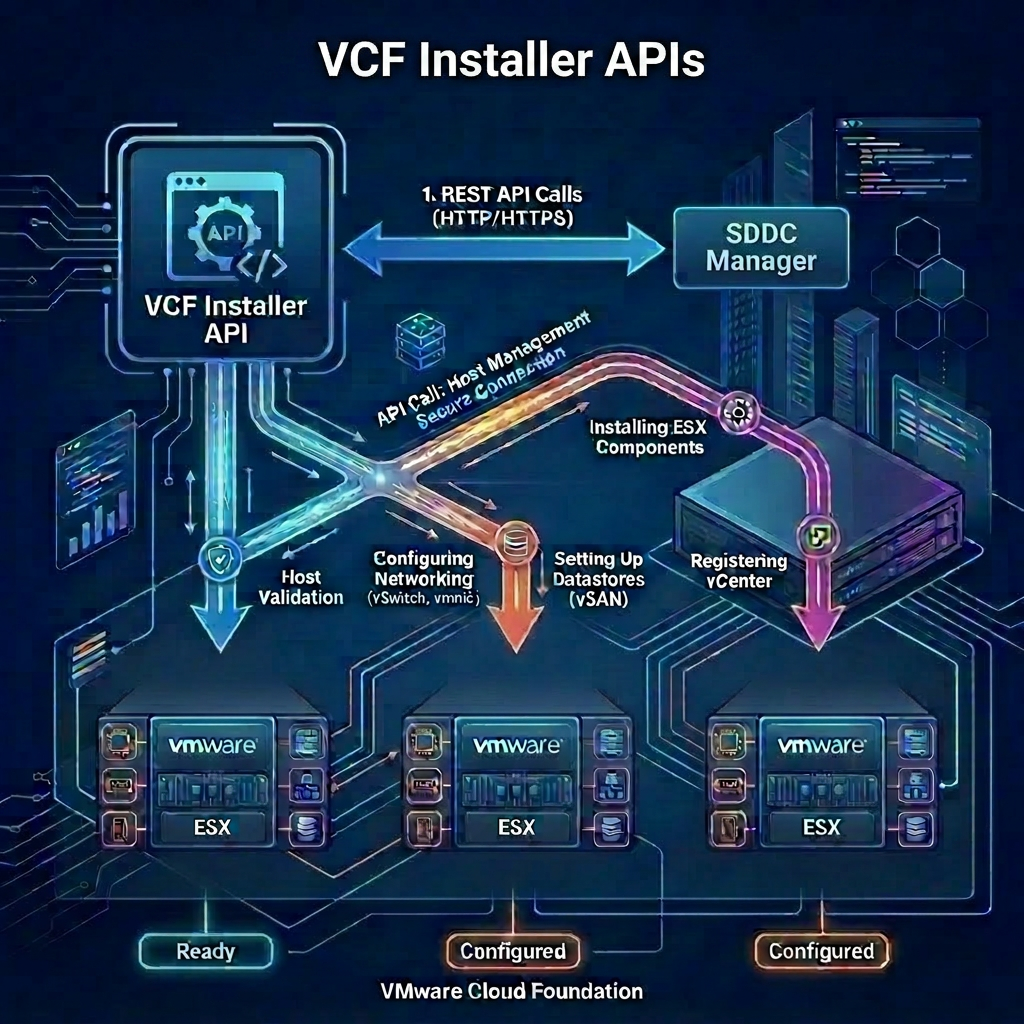
After you have successfully configured the VCF Installer with a valid connection to the Broadcom Depot and synchronized the manifest, you can begin downloading the binaries required to implement VMware Cloud Foundation. Assuming your are deploying all components you will need to download 16 components as follows:
- Cloud proxy
- Fleet lifecycle
- Identity broker
- License server
- Migration service engine
- Salt master
- Salt RaaS
- SDDC lifecycle
- SDDC Manager
- Software depot
- Telemetry
- VCF Automation
- VCF Operations
- VCF services runtime
- VMware NSX
- VMware vCenter
VCF Installer APIs Used
- POST /v1/tokens
- GET /v1/bundles
- PATCH /v1/bundles/{id}
VCF Installer API Reference Guide
Procedure
-
Connect to a system that has access to the infrastructure and is capable of running CURL.
-
Replace the values in the sample code with values for your VCF Installer instance and paste the commands in the console.
export vcfInstallerFqdn='sfo-ins01.sfo.rainpole.io'
export vcfInstallerUser='admin@local'
export vcfInstallerPass='VMw@re1!VMw@re1!'
- Authenticate to VCF Installer and obtain a token by running the following command:
vcfInstallerToken=$(curl -k -X POST https://$vcfInstallerFqdn/v1/tokens \
    --header 'Content-Type:application/json' \
    -d '{"username": "'$vcfInstallerUser'","password": "'$vcfInstallerPass'"}' \
    | jq -r '.accessToken')
- View all of the install binaries based on a specific version by running the following command:
curl -k -X GET "https://$vcfInstallerFqdn/v1/bundles" \
    --header "Authorization: Bearer $vcfInstallerToken" \
    --header 'Accept: application/json' \
    --header "Content-Type: application/json" \
    | jq '.elements[] | select(.version | startswith("9.1.0")) | .components[] | select(.imageType == "INSTALL")'
- Trigger the download of the all required binaries to VCF Installer based on a specific version by running the following command:
curl -k -X GET "https://$vcfInstallerFqdn/v1/bundles" \
    --header "Authorization: Bearer $vcfInstallerToken" \
    --header 'Accept: application/json' \
    --header "Content-Type: application/json" \
    | jq -r '.elements[]
        | select(.version | startswith("9.1.0"))
        | select(.downloadStatus != "SUCCESSFUL")
        | select(.components[].imageType == "INSTALL")
        | .id' \
    | while read -r id; do

        echo "--------------------------------------------------"
        echo "Starting download for ID: $id"
        echo "--------------------------------------------------"

        curl -k -X PATCH "https://$vcfInstallerFqdn/v1/bundles/$id" \
            --header "Authorization: Bearer $vcfInstallerToken" \
            --header 'Accept: application/json' \
            --header "Content-Type: application/json" \
            --data '{
                "bundleDownloadSpec": {
                    "downloadNow": true
                }
            }'

        echo "--------------------------------------------------"
        echo -e "\nTriggered download for $id"
        echo "--------------------------------------------------"
    done
- Verify the binaries have been downloaded successfully by running the following command:
curl -k -X GET "https://$vcfInstallerFqdn/v1/bundles" \
    --header "Authorization: Bearer $vcfInstallerToken" \
    --header 'Accept: application/json' \
    --header "Content-Type: application/json" \
    | jq -r '["PARENT ID", "VERSION", "STATUS"], ["---------", "-------", "------"], (.elements[]
        | select(.version | startswith("9.1"))
        | select(.components[].imageType == "INSTALL")
        | [.id, .version, .downloadStatus, .description])
        | @tsv'
Leave a Reply