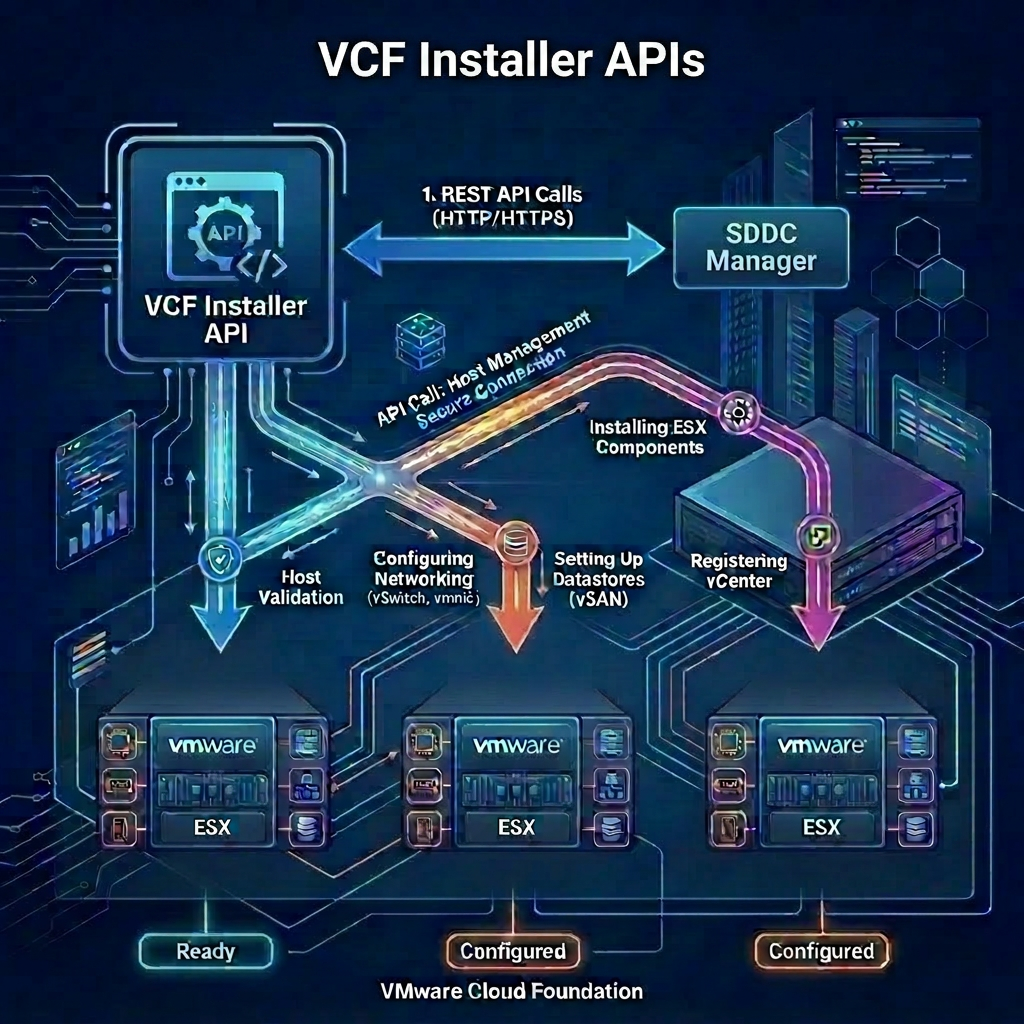
Before you can begin deploying VMware Cloud Foundation, you first configure the VCF Installer to connect to the Broadcom Depot. In order to do this you must first obtain your unique download token from the VCF Business Services Console, once you have your download token you can proceed with setting up the VCF Installer.
VCF Installer APIs Used
- POST /v1/tokens
- PUT /v1/system/settings/depot
- GET /v1/system/settings/depot
- GET /v1/system/settings/depot/depot-sync-info
- PATCH /v1/system/settings/depot/depot-sync-info
VCF Installer API Reference Guide
Procedure
-
Connect to a system that has access to the infrastructure and is capable of running CURL.
-
Replace the values in the sample code with values for your VCF Installer instance and paste the commands in the console.
export vcfInstallerFqdn='sfo-ins01.sfo.rainpole.io'
export vcfInstallerUser='admin@local'
export vcfInstallerPass='VMw@re1!VMw@re1!'
export broadcomDepotToken='<your-unique-token'
- Authenticate to VCF Installer and obtain a token by running the following command:
vcfInstallerToken=$(curl -k -X POST https://$vcfInstallerFqdn/v1/tokens \
    --header 'Content-Type:application/json' \
    -d '{"username": "'$vcfInstallerUser'","password": "'$vcfInstallerPass'"}' \
    | jq -r '.accessToken')
- Configure the VCF Installer depot settings by running the following command:
curl -k -X PUT https://$vcfInstallerFqdn/v1/system/settings/depot \
    --header "Authorization: Bearer $vcfInstallerToken" \
    --header 'Content-Type:application/json' \
    -d '{"vmwareAccount": {"downloadToken": "'$broadcomDepotToken'"}}'
- Verify the status of the VCF Installer depot configuration by running the following command:
curl -k -X GET https://$vcfInstallerFqdn/v1/system/settings/depot \
    --header "Authorization: Bearer $vcfInstallerToken"
    --header 'Accept: application/json' \
    --header "Content-Type:application/json" \
    | json_pp
- Verify the synchronization status with the Broadcom Depot by running the following command:
curl -k -X GET https://$vcfInstallerFqdn/v1/system/settings/depot/depot-sync-info \
    --header "Authorization: Bearer $vcfInstallerToken" \
    --header "Accept: application/json" \
    --header "Content-Type:application/json" \
    | json_pp
- (Optional) Force a syncronization of the metadat from the Broadcom Depot by running the following command:
curl -k -X PATCH https://$vcfInstallerFqdn/v1/system/settings/depot/depot-sync-info \
    --header "Authorization: Bearer $vcfInstallerToken" \
    --header "Accept: application/json" \
    --header "Content-Type:application/json" \
    | json_pp
Leave a Reply