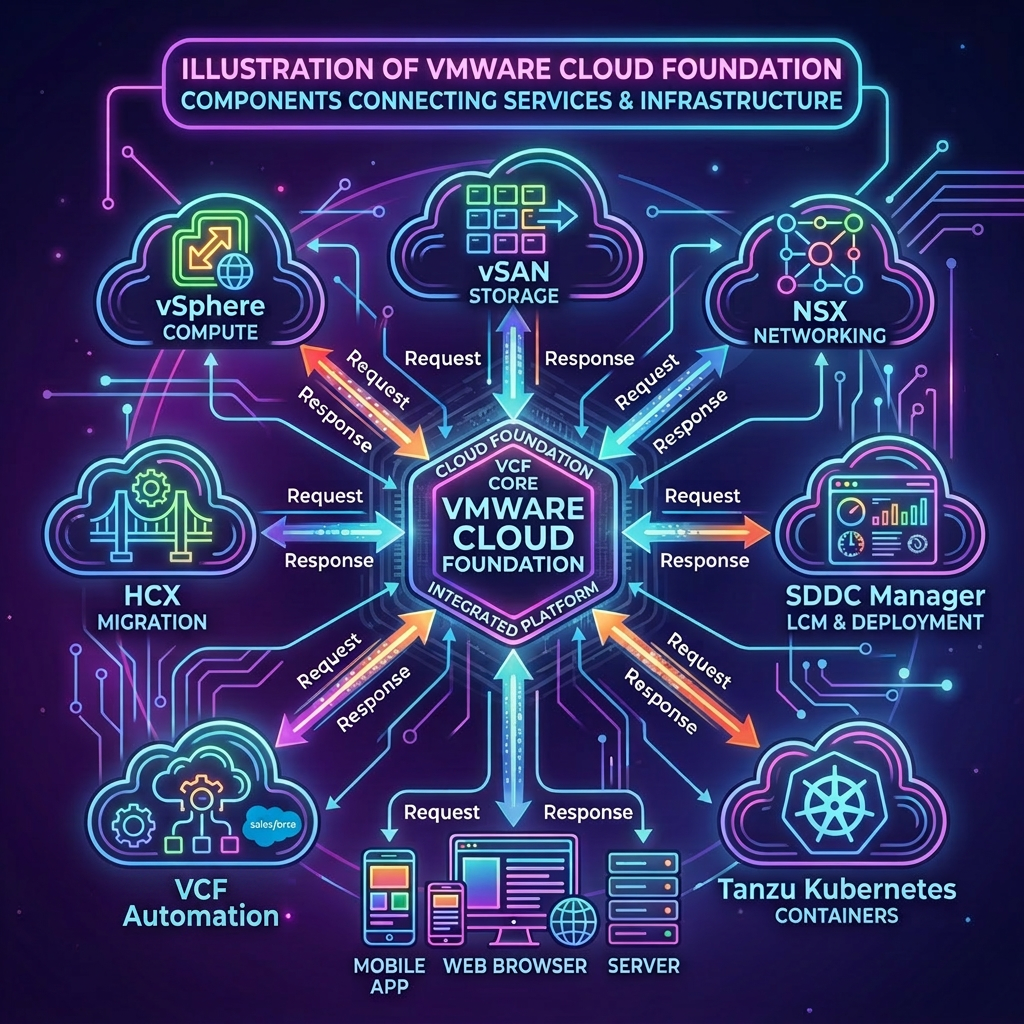
A VMware Cloud Foundation platform consists of many components that during its lifetime will require patch and upgrade management, the first component in this multi-step process is the Fleet Lifecycle.
In this post we will look at how to upgrade the Fleet Lifecycle, this is achieved using the public API for the VCF Fleet Lifecycle Service.
VCF Fleet Lifecycle Service APIs Used
- POST /api/v1/identity/token
- GET /fleet-lcm/v1/system
- POST /fleet-lcm/v1/system
- GET /fleet-lcm/v1/tasks/<taskId>
- POST /fleet-lcm/v1/system?action=apply
Procedure
-
Connect to a system that has access to the infrastructure and is capable of running CURL.
-
Replace the values in the sample code with values for your VCF Fleet Lifecycle Service and paste the commands in the console. If your not sure which endpoint this FQDN should be log into VCF Operations, go to Build > Lifecycle > VCF Management and select the Components tab and locate the component named Fleet lifecycle the FQDN is shown in the FQDN column.
export vcfFleetLifecycleFqdn='flt-fc01.rainpole.io'
export vcfFleetLifecycleUser='admin@vsp.local'
export vcfFleetLifecyclePass='VMw@re1!VMw@re1!'
- Authenticate to the VCF Fleet Lifecycle service and obtain a token by running the following command:
vcfFleetLifecycleToken=$(curl -k -X POST "https://$vcfFleetLifecycleFqdn/api/v1/identity/token" \
    -H 'Content-Type: application/x-www-form-urlencoded' \
    --data "grant_type=password" \
    --data "username=$vcfFleetLifecycleUser" \
    --data "password=$vcfFleetLifecyclePass" \
    | jq -r '.access_token')
- Verify you successfully obtained an authentication token by running the following command:
echo $vcfFleetLifecycleToken
Example Output:
eyJhbGciOiJFZERTQSIsImtpZCI6Ilg4Mk5veGNJRlVCVEFiY0xPM1NUdU12UTF6Qlo4d01xeUxDTGNuOGZYdFUiLCJ0eXAiOiJKV1QifQ.eyJpc3MiOiJodHRwczovL2ZsdC1mYzAxLnJhaW5wb2xlLmlvIiwic3ViIjoiYWRtaW5AdnNwLmxvY2FsIiwiYXVkIjpbInZzcCJdLCJleHAiOjE3ODUyNDk1MzIsImlhdCI6MTc4NTIzNTEzMiwianRpIjoiOThkMjE2NzYtZGRhYy00NmU2LWEyZWItMzdjNDYzNmI1NjQwIiwiYXpwIjoicGFzc3dvcmRfZ3JhbnRfY2xpZW50IiwiYWNjdCI6ImFkbWluQHZzcC5sb2NhbCIsImF1dGhvcml6YXRpb25fZGV0YWlscyI6bnVsbH0.CjyGod2F17Wz0Y4TmggHZieByeE80a6Uqe2S7trD1ycaPupzqZ19d_qLbiHjrMviV-ADDKc7RkGc27DoaChNBA
- Retrieve the latest available target version by running the following command:
availableTargetVersion=$(curl -ks -X GET "https://$vcfFleetLifecycleFqdn/fleet-lcm/v1/system" \
  --header "Authorization: Bearer ${vcfFleetLifecycleToken}" \
  --header "Accept: application/json" \
  --header "Content-Type: application/json" \
  | jq -r '.availableTargetVersions[0]')
- Verify you successfully obtained the latest available target version by running the following command:
echo $availableTargetVersion
Example Output:
{
  "targetVersion": "9.1.0.0400.25570104"
}
- Configure the upgrade plan with the target version by running the following command:
taskId=$(curl -ks -X POST "https://$vcfFleetLifecycleFqdn/fleet-lcm/v1/system" \
  --header "Authorization: Bearer ${vcfFleetLifecycleToken}" \
  --header "Accept: application/json" \
  --header "Content-Type: application/json" \
  --data-raw "{\"targetVersion\":\"${availableTargetVersion}\"}" \
| jq -r '.id')
- Verify the status of the task setting the version in the upgrade plan by running the following command:
curl -k -X GET "https://$vcfFleetLifecycleFqdn/fleet-lcm/v1/tasks/$taskId" \
    --header "Authorization: Bearer ${vcfFleetLifecycleToken}" \
    --header "Accept: application/json" \
    --header "Content-Type: application/json" \
    | jq
- Start the upgrade of the VCF Fleet Lifecycle service by running the following command:
upgradeTaskId=$(curl -k -X POST "https://$vcfFleetLifecycleFqdn/fleet-lcm/v1/system?action=apply" \
  --header "Authorization: Bearer ${vcfFleetLifecycleToken}" \
  --header "Accept: application/json" \
  --header "Content-Type: application/json"  \
  --data-raw "{\"targetVersion\":\"${availableTargetVersion}\"}" \
| jq -r '.id')
- Verify the status of the task for performing the upgrade by running the following command:
curl -k -X GET "https://$vcfFleetLifecycleFqdn/fleet-lcm/v1/tasks/$upgradeTaskId" \
    --header "Authorization: Bearer ${vcfFleetLifecycleToken}" \
    --header "Accept: application/json" \
    --header "Content-Type: application/json" \
    | jq
Leave a Reply