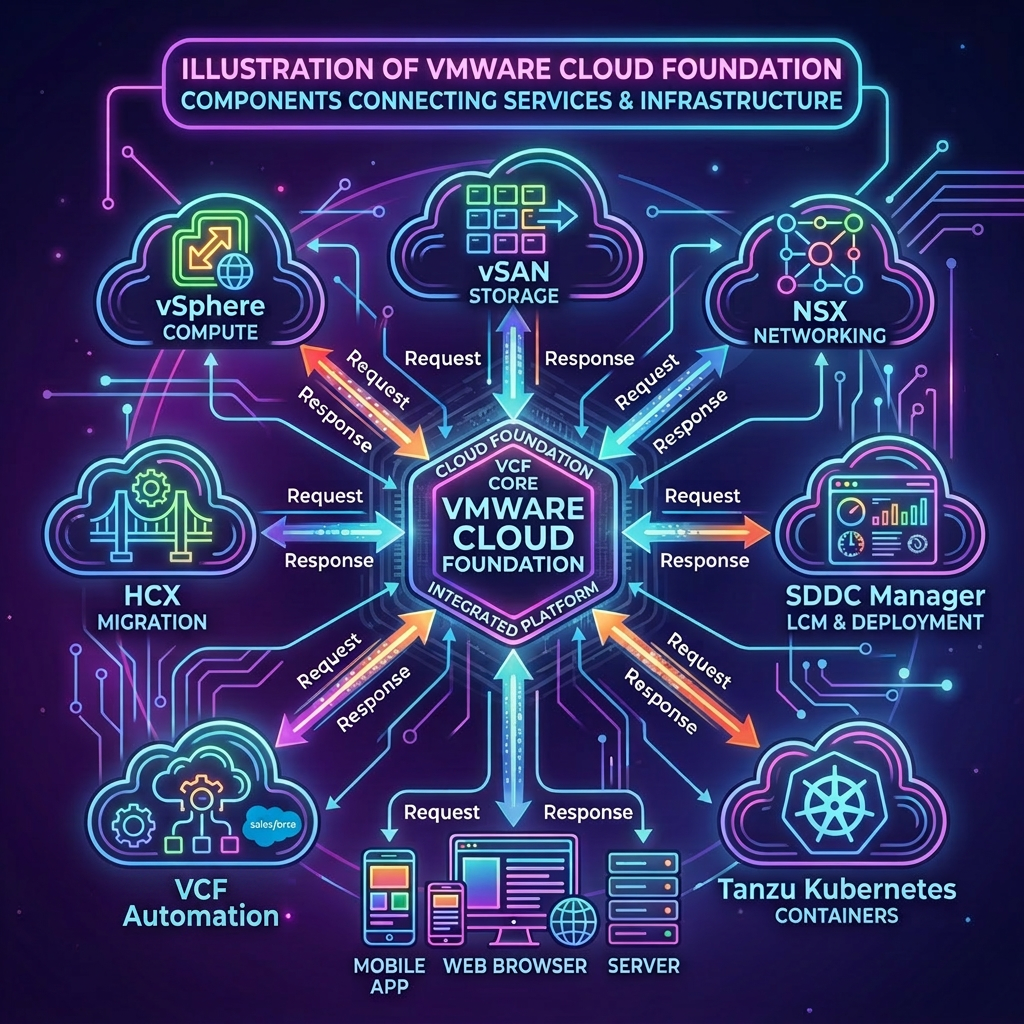
A core fleet management capability provided by VMware Cloud Foundation is the ability to replace component certificates across the entire platform from a central location. VMware Cloud Foundation provides direct integration for OpenSSL and Microsoft Certificate Authorities, using this integration you first create a Certificate Signing Request before then replacing the component certificate during which VCF Operations will contact the Certificate Authority request a new signed certificate and then replace the component certificate.
In this post we will look at the steps required to complete the certificate replacement process for VCF Operations using public APIs, this is achieved via VCF Operations. The same process can be used for other components with minor modifications to the JSON payloads.
VCF Operations APIs Used
VMware Cloud Foundation Operations API
- POST /suite-api/api/auth/token/acquire
- POST /suite-api/api/fleet-management/certificate-management/certificates/query
- POST /suite-api/api/fleet-management/certificate-management/csrs
- GET /suite-api/api/workflows/requests
- PUT /suite-api/api/fleet-management/certificate-management/certificates/<certificateId>
Procedure
-
Connect to a system that has access to your infrastructure and is capable of running CURL.
-
Replace the values in the sample code with values for your VCF Operations instance and run the commands in the console.
export vcfOperationsFqdn='flt-ops01a.rainpole.io'
export vcfOperationsUser='admin'
export vcfOperationsPass='VMw@re1!VMw@re1!'
- Authenticate to VCF Operations and obtain a token by running the following command:
vcfOperationsToken=$(curl -k -X POST "https://${vcfOperationsFqdn}/suite-api/api/auth/token/acquire" \
    --header "Content-Type:application/json" \
    --header "Accept: application/json" \
    -d "{\"username\":\"$vcfOperationsUser\", \"password\":\"$vcfOperationsPass\"}" \
    | jq -r '.token')
- Verify you were able to successfully obtain an authentication token by running the following command:
echo $vcfOperationsToken
Example Output:
6513db65-1c46-4482-9a4c-d257cd422906::bf144935-712c-4e2e-8881-8005575b47cd
- Retrieve the TLS certificate ID for VCF Operations by running the following command:
certificateId=$(curl -k -X POST "https://${vcfOperationsFqdn}/suite-api/api/fleet-management/certificate-management/certificates/query" \
  --header "Authorization: OpsToken ${vcfOperationsToken}" \
  --header "Content-Type:application/json" \
  --header "Accept: application/json" \
  -d '{"appliance": "VCF_OPERATIONS", "category": "TLS_CERT" }' \
  | jq -r '.vcfCertificateModels[].certificateResourceKey')
[!TIP] To perform this step against other components within the VMware Cloud Foundation platform simply replace
VCF_OPERATIONSwith one of the following values:VCENTER,NSXT_MANAGER,SDDC_MANAGER,VCF_AUTOMATION,LOG_MANAGEMENT,VCF_OPERATIONS,VCF_OPS_NETWORKS,IDENTITY_BROKER,VCF_OPS_HCX,ESX,VCF_SERVICES_RUNTIME,AVI_LOAD_BALANCER,LICENSE_SERVER.
- Verify you successfully obtained the TLS certificate ID for VCF Operations by running the following command:
echo $certificateId
Example Output:
63ab0977-c54c-398e-ac8e-012686689947
- Replace the values in the sample code with your values and run the commands in the console.
export certificateAuthorityKeySize='2048'
export certificateAuthorityOrganization='Rainpole'
export certificateAuthorityOrgUnit='IT'
export certificateAuthorityCountry='US'
export certificateAuthorityState='CA'
export certificateAuthorityLocality='San Francisco'
export certificateAuthorityCommonName='flt-ops01.rainpole.io'
export certificateAuthoritySubjectAltNames='"flt-ops01b.rainpole.io", "flt-ops01a.rainpole.io", "flt-ops01.rainpole.io"'
[!TIP] For other components adjust the
certificateAuthorityCommonNameandcertificateAuthoritySubjectAltNamesas needed.
- Create the JSON payload for generating the Certificate Signing Request (CSR) by running the following command:
cat << EOF > csr-vcf-operations.json
{
  "certificateId": "${certificateId}",
  "generateCsrSpec": {
    "keySize": "KEY_${certificateAuthorityKeySize}",
    "keyAlgorithm": "RSA",
    "organization": "${certificateAuthorityOrganization}",
    "orgUnit": "${certificateAuthorityOrgUnit}",
    "country": "${certificateAuthorityCountry}",
    "state": "${certificateAuthorityState}",
    "locality": "${certificateAuthorityLocality}",
    "commonName": "${certificateAuthorityCommonName}",
    "subjectAltNames": {
      "dns": [${certificateAuthoritySubjectAltNames}],
      "ip": []
    }
  }
}
EOF
- Verify the JSON payload has been populated correctly by running the following command:
cat csr-vcf-operations.json
Example Output:
{
  "certificateId": "63ab0977-c54c-398e-ac8e-012686689947",
  "generateCsrSpec": {
    "keySize": "KEY_2048",
    "keyAlgorithm": "RSA",
    "organization": "Rainpole",
    "orgUnit": "IT",
    "country": "US",
    "state": "CA",
    "locality": "San Francisco",
    "commonName": "flt-ops01.rainpole.io",
    "subjectAltNames": {
      "dns": ["flt-ops01b.rainpole.io", "flt-ops01a.rainpole.io", "flt-ops01.rainpole.io"],
      "ip": []
    }
  }
}
- Request the Certificate Signing Request (CSR) by running the following command:
requestId=$(curl -k -X POST "https://${vcfOperationsFqdn}/suite-api/api/fleet-management/certificate-management/csrs" \
  --header "Authorization: OpsToken ${vcfOperationsToken}" \
  --header "Content-Type:application/json" \
  --header "Accept: application/json" \
  -d @csr-vcf-operations.json \
  | jq -r '.requestId')
- Verify you successfully obtained a request ID by running the following command:
echo $requestId
Example Output:
f1ee3760-ded5-43d7-9547-24296ada7f47
- Check the status of the workflow by running the following command:
curl -k -X GET "https://${vcfOperationsFqdn}/suite-api/api/workflows/requests/${requestId}" \
  --header "Authorization: OpsToken ${vcfOperationsToken}" \
  --header "Content-Type:application/json" \
  --header "Accept: application/json" \
  | jq
- Replace the certificate of VCF Operations by running the following command:
requestId=$(curl -k -X PUT "https://${vcfOperationsFqdn}/suite-api/api/fleet-management/certificate-management/certificates/${certificateId}" \
  --header "Authorization: OpsToken ${vcfOperationsToken}" \
  --header "Content-Type:application/json" \
  --header "Accept: application/json" \
  -d '{"caType": "MSCA"}' \
  | jq -r '.requestId')
- Verify you successfully obtained a request ID by running the following command:
echo $requestId
Example Output:
7b96f0e5-4fe1-4667-bb7c-43f518ce6f50
- Check the status of the workflow by running the following command:
curl -k -X GET "https://${vcfOperationsFqdn}/suite-api/api/workflows/requests/${requestId}" \
  --header "Authorization: OpsToken ${vcfOperationsToken}" \
  --header "Content-Type:application/json" \
  --header "Accept: application/json" \
  | jq
Leave a Reply