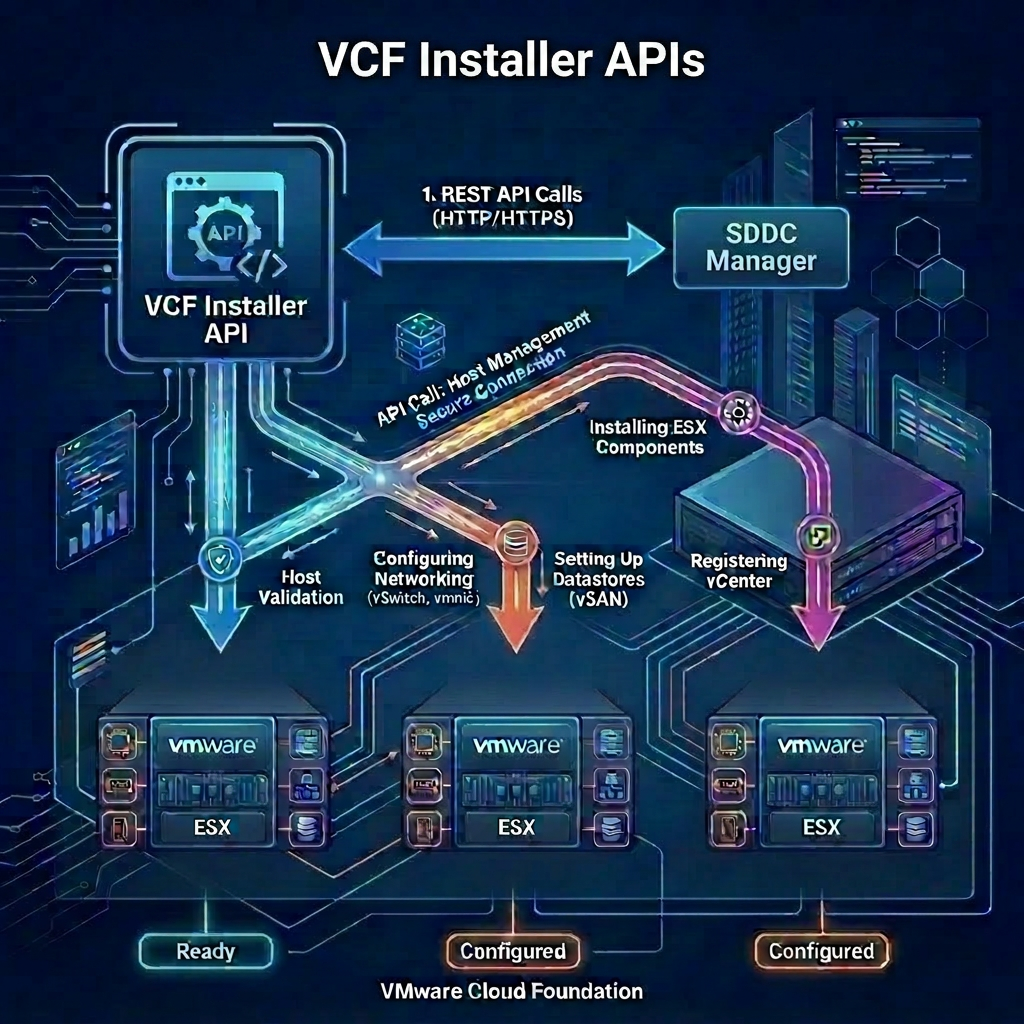
Once you have validated your JSON specification file, along with the infrastructure validation you are ready to commence the deployment process. Once again we pass the JSON specification file as an input to the API request.
VCF Installer APIs Used
- POST /v1/tokens
- GET /v1/sddcs
- GET /v1/sddcs/{id}
- POST /v1/sddcs
VCF Installer API Reference Guide
Procedure
-
Connect to a system that has access to the infrastructure and is capable of running CURL.
-
Ensure your JSON specification file is available to your system. In my case the file is named
sfo-m01-domainSpec.json. -
Replace the values in the sample code with values for your VCF Installer instance and paste the commands in the console.
export vcfInstallerFqdn='sfo-ins01.sfo.rainpole.io'
export vcfInstallerUser='admin@local'
export vcfInstallerPass='VMw@re1!VMw@re1!'
- Authenticate to VCF Installer and obtain a token by running the following command:
vcfInstallerToken=$(curl -k -X POST https://$vcfInstallerFqdn/v1/tokens \
    --header "Content-Type:application/json" \
    -d '{"username": "'$vcfInstallerUser'","password": "'$vcfInstallerPass'"}' \
    | jq -r '.accessToken')
- If your validation completed without any issues you can start the deployment by running the following command:
deploymentId=$(curl -k -X POST https://$vcfInstallerFqdn/v1/sddcs \
    --header "Authorization: Bearer $vcfInstallerToken" \
    --header "Accept: application/json" \
    --header "Content-Type: application/json" \
    -d @'sfo-m01-domainSpec.json' | jq -r ".id")
- Monitor the status of the deployment by running the following command:
curl -k -X GET "https://$vcfInstallerFqdn/v1/sddcs/$deploymentId" \
    --header "Authorization: Bearer $vcfInstallerToken" \
    --header "Accept: application/json" \
    --header "Content-Type: application/json" \
    | jq -r ".status"
- The command in step 6 would need to be run multiple times, alternatively you can run the command over and over by running the following command:
while curl -k -X GET "https://$vcfInstallerFqdn/v1/sddcs/$deploymentId" \
    --header "Authorization: Bearer $vcfInstallerToken" \
    --header "Accept: application/json" \
    --header "Content-Type: application/json" \
    | grep -q "IN_PROGRESS"; do
    echo "Still in 'IN_PROGRESS' state... waiting 60 seconds."
    sleep 60
done
Leave a Reply